
Keeping your BMW software up-to-date is key to maintaining optimal performance and accessing the latest features. Whether you own either a new or certified pre-owned BMW, staying current with software updates enhances everything from navigation to infotainment. The process on how to update BMW software is simple, and this guide will walk you through how to do it.
What Is BMW Software Update?
BMW software updates involve enhancing the system that controls everything from navigation to connectivity. These updates can include fixes for bugs, new features, and improvements to existing functionalities.
Knowing how to update software on BMW helps you unlock the full potential of your vehicle's features, providing you with a more refined driving experience.
To keep your system current, BMW uses Over-the-Air (OTA) updates. This method allows the software to be downloaded directly to your car via a wireless connection. The process is straightforward, and updates can often be performed at home, making it a convenient way to stay up-to-date.
How to Update Software on Your BMW
Updating your BMW’s software is simple and can be done using the BMW ConnectedDrive system. If your vehicle is equipped with this feature, you will receive notifications when updates are available. To begin the process, connect your car to a Wi-Fi network, then select the "Remote Software Upgrade" option from your BMW’s main menu.
Once connected, your BMW will begin downloading the latest update. It is important to note that while the update is in progress, your vehicle should not be driven. Instead, you should park it in a safe place for the duration of the installation, which typically takes between 20 to 40 minutes.
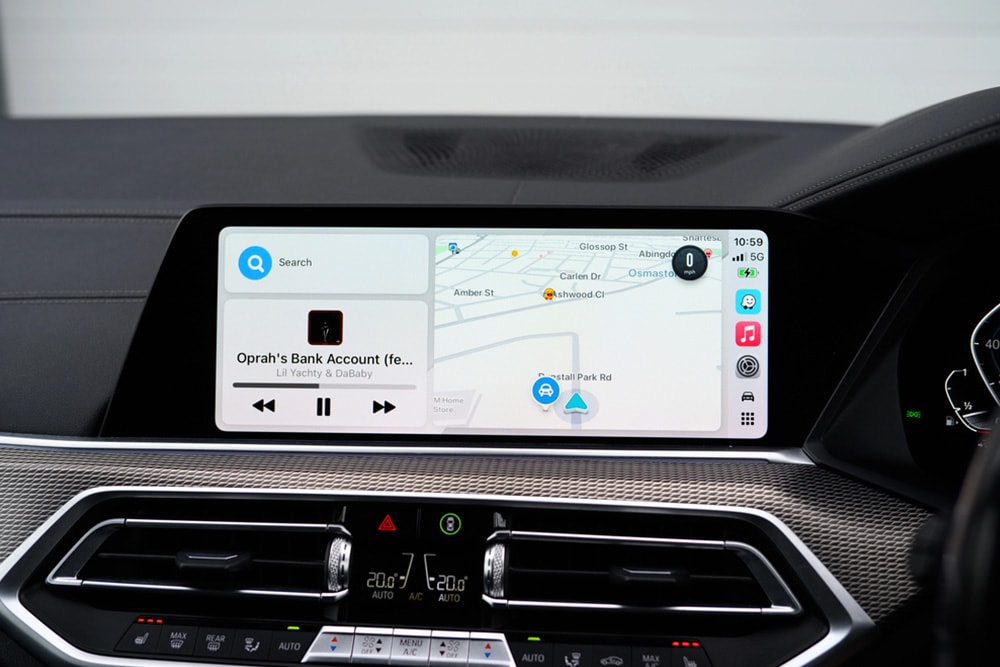
BMW Update Software iDrive
The iDrive system in your BMW is the heart of many software-related features, including your infotainment system, navigation, and vehicle settings. When you update the software, it often includes enhancements to iDrive, improving functionality and adding new features. The BMW update software iDrive process is seamless, but it is important to follow the steps properly to avoid interruptions.
To update the iDrive software, check that your vehicle has sufficient charge and a stable internet connection. Once the update is complete, the system will restart automatically, and the new features will be available for you to use. BMW recommends checking periodically for new updates to keep your iDrive system functioning smoothly.
The Benefits of Regular Software Updates
Regular software updates add new features and improve the performance of existing systems. These updates can fix bugs, enhance navigation accuracy, and introduce new technologies to your BMW. As your BMW’s software evolves, you will experience better functionality, smoother connectivity, and overall enhanced driving comfort.
For owners of certified vehicles from BMW, staying current with software updates is just as important. These vehicles are equipped with the latest technologies, but updating the software allows them to continue performing at their best, just like new models. Regular updates mean your BMW remains cutting-edge, even as it ages.
Drive into the Future with BMW Cleveland
At BMW Cleveland, we are committed to offering the best in luxury, performance, and technology. With our new BMW inventory, you can experience the latest models with the most advanced software updates right at your fingertips.
Whether you are looking for a new vehicle or seeking expert assistance with software updates, contact us today to learn more about your options. Our team is ready to assist you in finding the perfect BMW that fits your needs.